Speeding Up surface() In OpenSCAD
When using complex shapes in OpenSCAD I find it's easiest to draw/find an image of the shape I
want and then use surface() to convert the image to a 3D shape. It does this by mapping the brightness value
of each pixel in the image to a height, AKA a height map.
The trouble with surfaces is that OpenSCAD can quickly grind to a halt and eat all your RAM. I've seen 20GB of RAM disappear.
Often the image I'm working is pure black and white. The height information which surface adds serves only to add extra vertices and slow everything down, especially if there is any antialiasing. This can be mitigated somewhat by converting the complex 3D surface to a 2D shape and then back to a 3D shape:
surface(file="image.png");
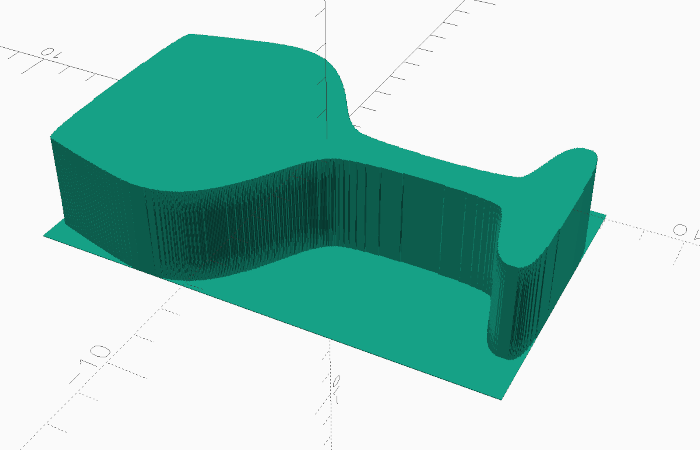
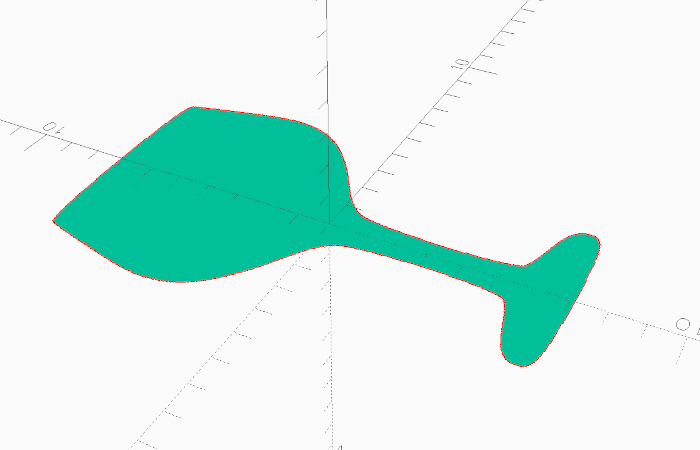
projection() {
    surface(file="image.png");
}
linear_extrude(height=5) {
    projection() {
        surface(file="image.png");
    }
}
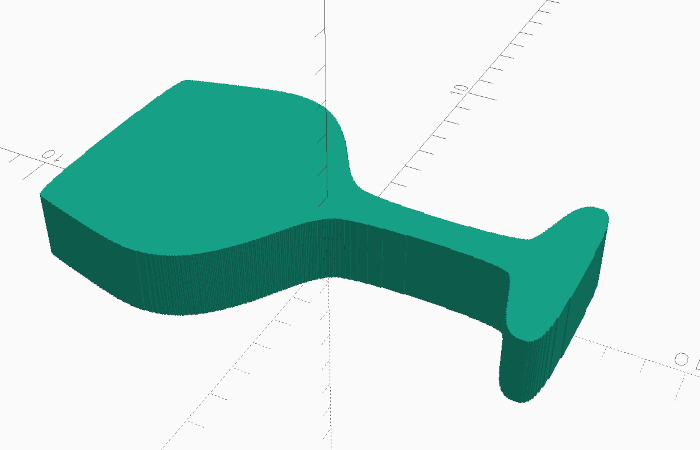
Notice how the final 3D shape is a lot smoother. I believe all those jagged vertices are the reason why performance tanks.